2. Setting the date
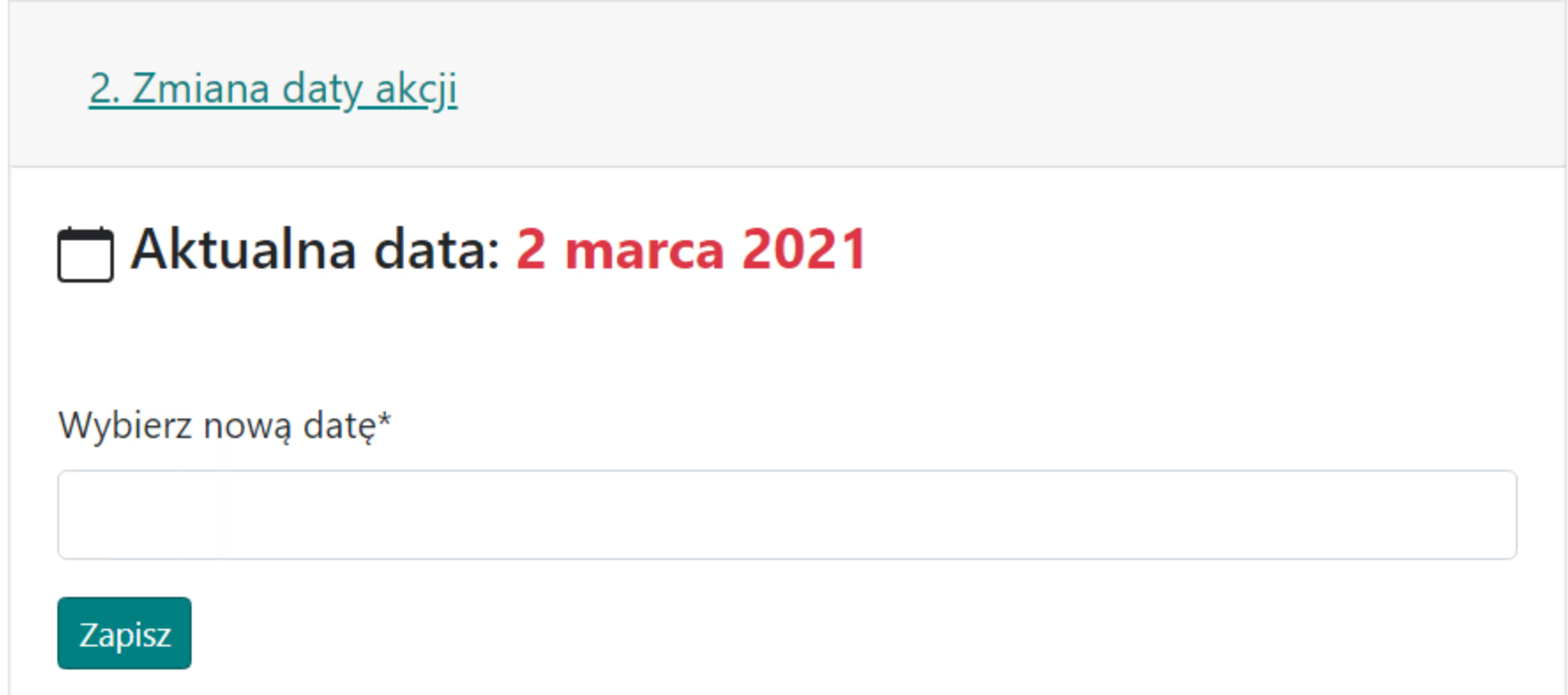
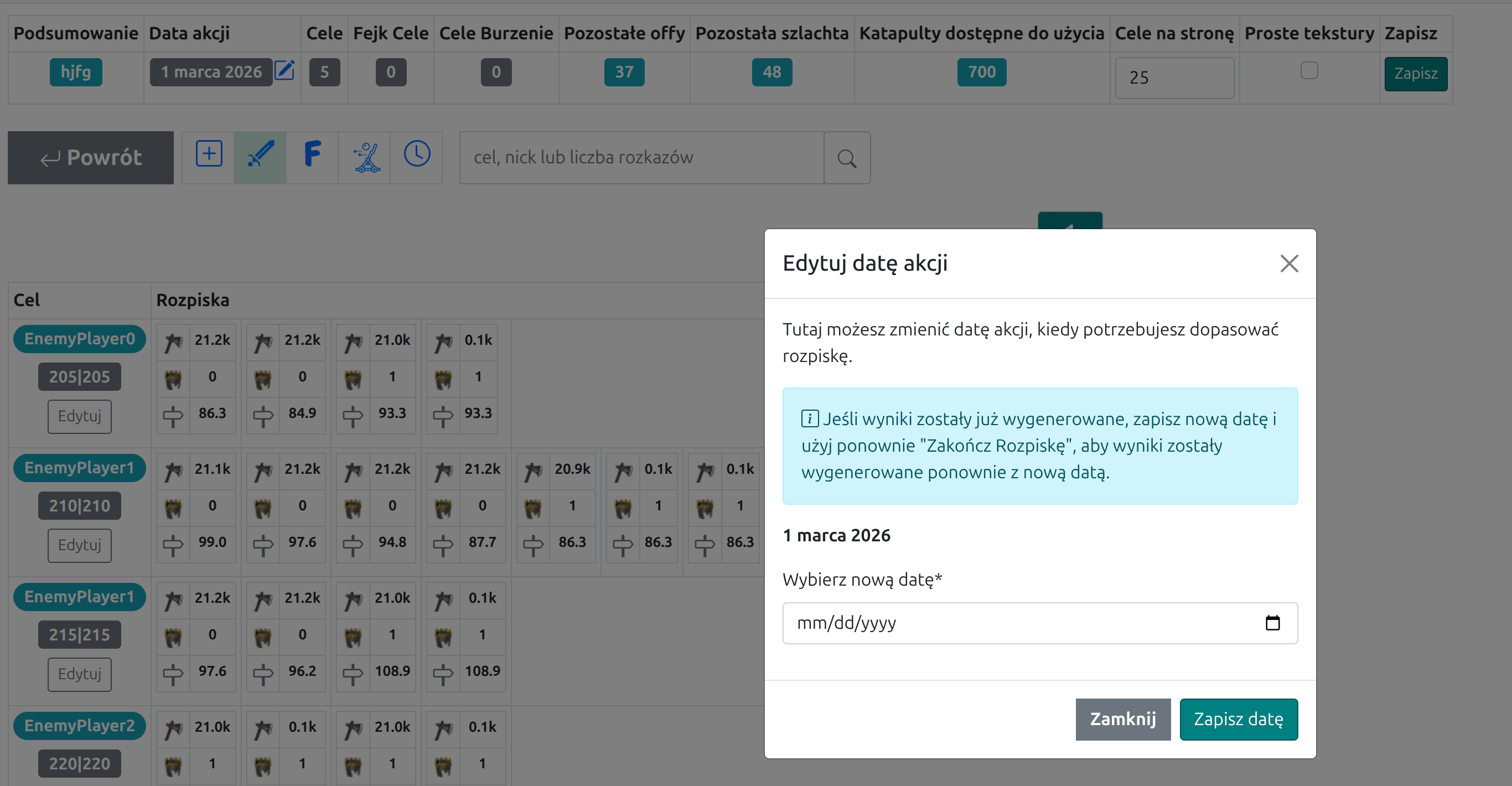
The tab is used to set the outline date. You can choose it when creating the outline, and later you can still change it from the Outline Date field in the summary at the top of the planer-menu page.
Appearance of the tab with an example date:
If you already generated results, save the new date and use Finish the Outline again so the results are regenerated with the updated date.
It is still not possible to write one outline for several different days. For multi-day actions, finish the first day, send the results, and then use the remaining unused troops from the Results Tab to prepare a new outline for the next day.